
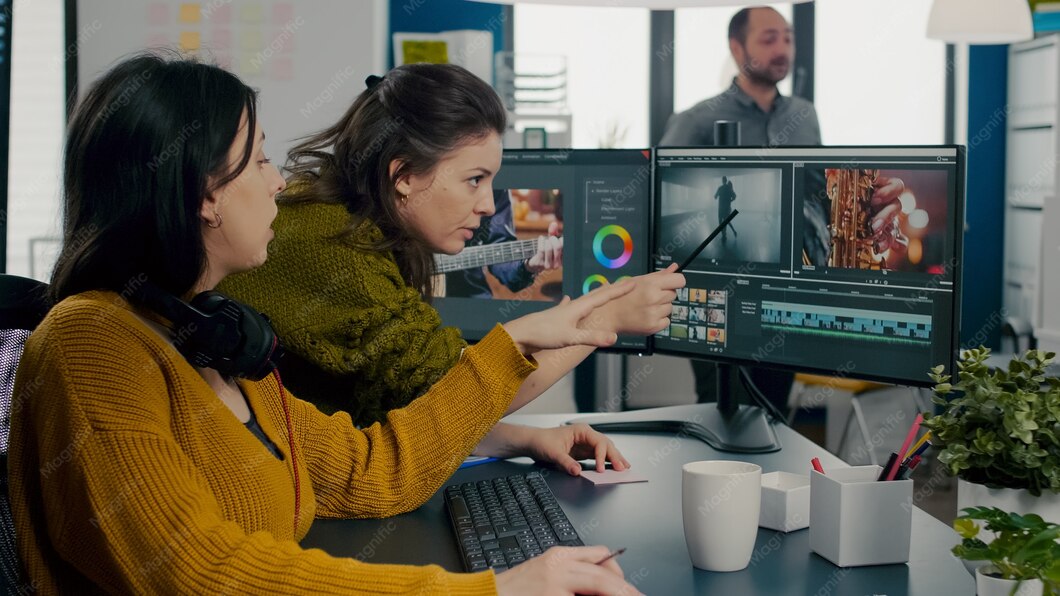
How to Edit a Corporate Video: A Complete Professional Guide in 2026
Edit a Corporate Video, A Complete Professional Guide. A corporate video only works if the edit holds people’s attention. Great footage can still fail if the cuts are messy, the pacing drags, or the sound is unclear. This is why learning how to Edit a Corporate Video, A Complete Professional Guide matters for anyone making business content in 2026, whether you are a marketer, a small business owner, or a new video editor.
This guide breaks the process into simple steps. No jargon, no confusing terms, just a clear path from raw footage to a finished video that looks professional.
Table of Contents
What Does It Mean to Edit a Corporate Video, A Complete Professional Guide
Editing a corporate video means turning raw clips into one clear story that supports a business goal. This could be a company profile, a training video, a product demo, or a message from leadership. The goal of Edit a Corporate Video, A Complete Professional Guide is not just to cut footage together. It is to guide the viewer’s attention, keep the pacing tight, and make sure the message lands clearly.
Corporate editing is different from creative or entertainment editing. It needs to stay on brand, follow a clear structure, and respect the viewer’s time. Most business videos work best when they stay short and focused.
Why Corporate Video Editing Matters in 2026
Video is now one of the main ways businesses communicate, both with customers and with their own teams. Data from Wyzowl shows that a large share of businesses now rely on video as a core marketing tool, and most say it directly helps them win more customers.
A well edited corporate video helps a business in several ways:
- Builds trust with new clients before they even speak to your team
- Makes training and onboarding faster and easier to follow
- Improves how a brand looks across its website and social channels
- Keeps internal messages clear and consistent across departments
- Increases watch time, which matters for platforms like YouTube and LinkedIn
Tools You Need Before You Edit a Corporate Video
Before you start any edit, make sure you have the right setup in place.
Editing software Programs like Adobe Premiere Pro are widely used for professional corporate editing because they support multi camera footage, color tools, and audio mixing in one place.
Storage and backup Corporate footage files are large. Keep at least two backups, one local and one cloud based, before you begin editing.
Headphones Clean audio is just as important as clean visuals. Use headphones during every edit session so you catch background noise or audio drops early.
A script or outline Know the message before you touch the timeline. Editing without a clear structure leads to longer edit times and a messier final video.
Step by Step: How to Edit a Corporate Video, A Complete Professional Guide
Step 1: Organize Your Footage First
Before any cutting begins, label your clips by scene, speaker, or topic. This single habit saves hours later, especially on projects with multiple camera angles or interview subjects.
Step 2: Build a Rough Cut
Put the clips in order based on your script or outline. Do not worry about polish here. The goal is to confirm the story makes sense before you spend time on detail work.
Step 3: Focus on Pacing
Corporate videos lose viewers fast when scenes run too long. Cut out dead air, repeated points, and slow transitions. Most business videos work best between one and three minutes unless the content is training material.
Step 4: Color Correction
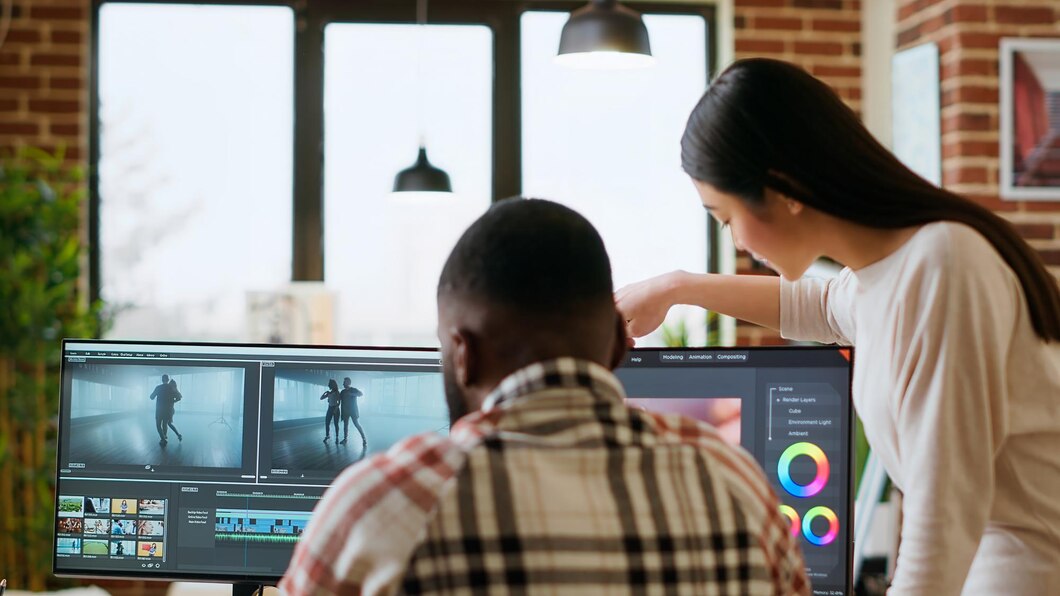
Match the color and brightness across all clips so the video feels consistent from start to end. This step is often skipped by beginners, but it has a big impact on how professional the final video looks.
Step 5: Sound Design and Music
Balance voice levels first, then add background music at a lower volume so it supports the message instead of competing with it. Remove any harsh noise spikes before final export.
Step 6: Add Text, Captions, and Graphics
Captions are essential since many viewers watch corporate videos with the sound off, especially on LinkedIn. Keep text simple, on brand, and easy to read at a glance.
Step 7: Review With Fresh Eyes
Step away from the edit for a few hours, then watch it again. This helps you catch pacing issues or mistakes you might miss after staring at the same timeline for too long.
Step 8: Export in the Right Format
Different platforms need different formats and aspect ratios. Export a version for your website, a square or vertical version for social media, and a version with burned in captions for platforms where sound may be off by default.
Common Mistakes to Avoid When You Edit a Corporate Video
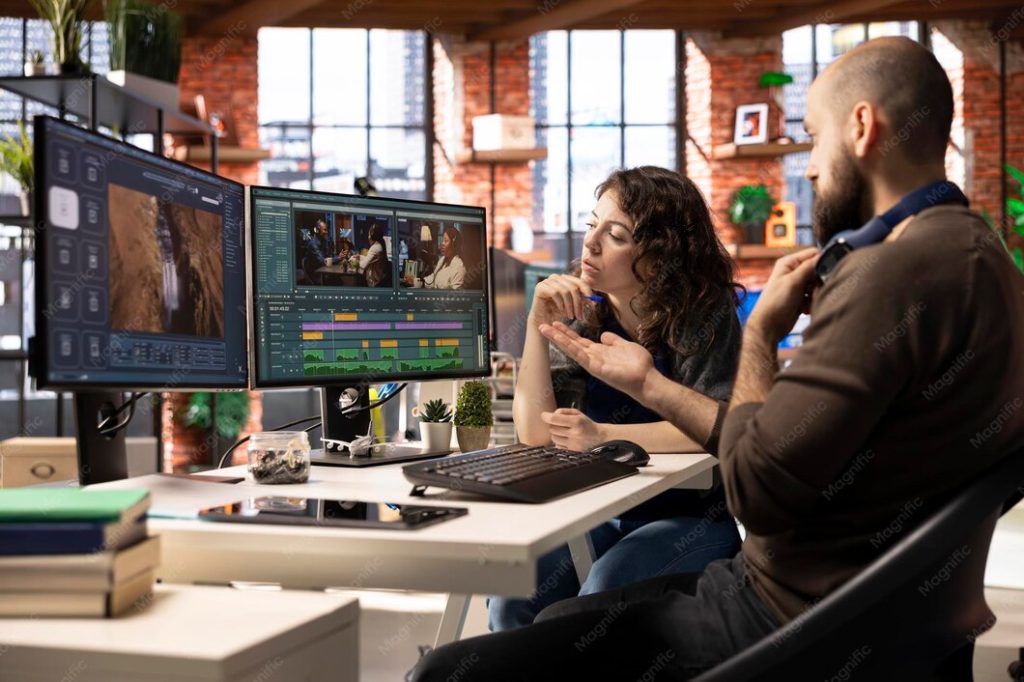
Making it too long Longer is not always better. Respect the viewer’s time and keep the message tight.
Ignoring audio quality A shaky camera can be forgiven. Bad audio usually cannot. Always prioritize clean sound.
Overusing transitions and effects Simple cuts often work better than flashy transitions in a corporate setting. Keep the focus on the message, not the effects.
Skipping captions Many viewers scroll with sound off. Videos without captions lose a large part of their audience within the first few seconds.
Not matching brand guidelines Fonts, colors, and tone should stay consistent with the rest of the brand’s marketing material.
Tips From Professional Editors
Professional editors who specialize in business content often follow a few shared habits. They edit to the beat of the message, not just the footage. They trim early and often instead of waiting until the final pass. They also test videos on mobile screens, since most corporate content is now watched on a phone rather than a desktop monitor.
If you want to see these principles applied in real projects, you can explore Shoaib Production’s video production work, which covers full post-production for business and brand content. Their commercial video production team follows a similar structured process from rough cut to final delivery, and their corporate event coverage projects show how pacing and structure change depending on the type of event being filmed. For longer form storytelling, their documentary and storytelling projects are a good example of how narrative pacing carries a video from start to end.
Frequently Asked Questions
How long should a corporate video be?
Most corporate videos work best between one and three minutes. Training videos can run longer, but should still stay focused and avoid unnecessary sections.
What software is best to edit a corporate video?
Adobe Premiere Pro is a common choice for professional editors because it supports multi camera editing, color correction, and audio mixing in one program.
Do I need captions on every corporate video?
Yes. Many viewers watch with the sound off, especially on social platforms, so captions help the message reach a wider audience.
Can I edit a corporate video myself, or should I hire a professional?
Simple internal videos can often be edited in house with basic tools. For brand facing content like company profiles or campaign videos, working with an experienced editing team usually produces a stronger and more polished result.
Final Thoughts
Learning how to Edit a Corporate Video, A Complete Professional Guide comes down to a clear process: organize your footage, build a rough cut, fix pacing, balance the sound, and finish with captions and the right export settings. Following these steps in order helps you avoid the most common mistakes and produce a video that looks and sounds professional.
If you want expert help turning raw footage into a polished corporate video, you can reach out through Shoaib Production’s contact page to discuss your next project.
Leave a Reply